
The Pulsix workflow
From an idea to an executable system.
Explore
09 SECTIONSOverview
A complete path that keeps strategy intent, research evidence and generated code synchronized.
Describe the trading idea
Start with the market, timeframe and the behavior you want to trade. Attach screenshots when visual context matters.
Clarify exact behavior
Copilot identifies missing timing, price references and execution semantics. It asks focused questions only when an exact implementation would otherwise be ambiguous.
Define your trading rules
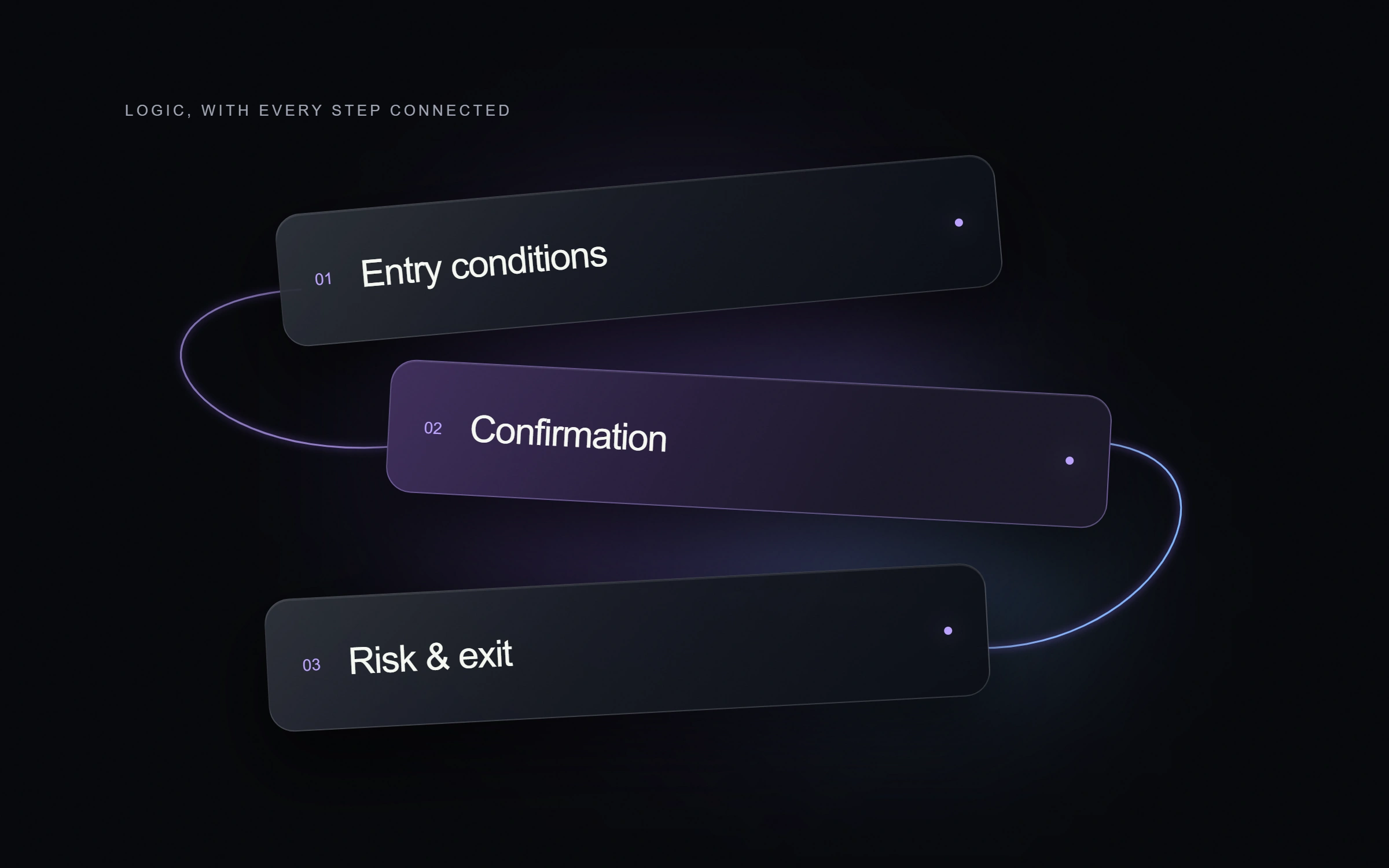
Entries, filters, exits, risk management, sessions, chart overlays and custom components become one versioned strategy summary.
Select trustworthy market data
Choose the symbol, execution timeframe, analysis timeframes and historical date range. Build and Backtest share the same selected dataset.
Run an execution-aware backtest
Orders use Bid and Ask correctly by direction. The engine applies spread, slippage, commission, position sizing and intrabar tick order when raw ticks are available.
Optimize bounded parameters
Grid search evaluates explicit parameter ranges against the same revision and dataset. The winning configuration is shown without silently replacing the saved strategy.
Stress-test robustness
Walk-forward, Monte Carlo, sensitivity and execution-cost scenarios reveal where historical performance depends on fragile assumptions.
Generate and deploy
Create the C# cBot, strategy summary, compilation report and matching .cbotset. Connect cTrader when direct deployment is available.